Pika 2.5 - Sharper visuals, smoother motion, live now

AI Video Generation,
reimagined for creators.

Pika Labs turns text, images, audio, and existing footage into cinematic, social-ready video using a model built from the ground up. Animate, swap, lip-sync, extend, and transform β€” without leaving your browser.

4.9/5rating from 200K+ users
15M+videos generated
500+creator teams trust Pika
7
Model Versions
25s
Pikaframes Max
1080p
HD Output
3x
Faster w/ Turbo

Pika Labs is an independent platform for accessing AI video generation models through its own interface. It is not affiliated with the official Pika team. All product names and trademarks belong to their respective owners.

What is Pika

A creative studio powered by its own video model.

Pika is an AI-native video platform that transforms simple inputs β€” a sentence, a still image, a short clip, an audio track β€” into dynamic, expressive video. The team has built a proprietary video model from scratch, designed to be fast, flexible, and unmistakably creative.

Whether you are prototyping a concept, animating a memory, or producing social-first content, Pika gives you the controls to direct AI like a co-creator. Pikaframes for transitions, Pikaswaps for object replacement, Pikadditions for inserts, Pikaffects for surreal transformations, and Pikaformance for talking-face lip-sync β€” all in one workspace.

Available on web and iOS, with a free tier to get started.

Abstract cinematic visualization of Pika Labs AI video generation
What's New

Latest from Pika Labs.

Four releases reshaping how creators interact with AI video β€” from real-time agents to a living digital twin you can take across the internet.

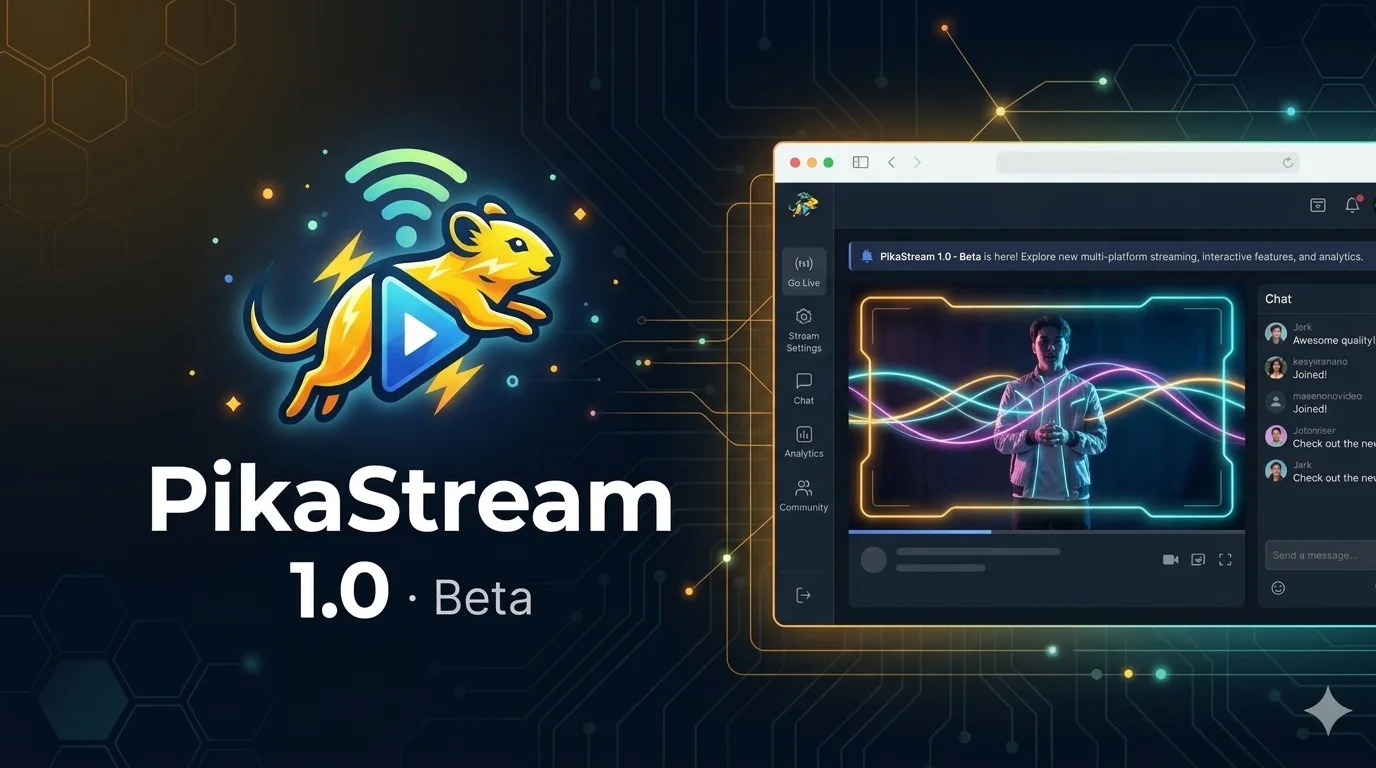
New - Real-TimePikaStream 1.0 β€” real-time AI video chat
PikaStream 1.0 - Beta

Real-time video chat for any AI agent.

A breakthrough model that brings visual and vocal presence to your AI.

PikaStream 1.0 lets agents respond live β€” preserving memory and personality across calls while adapting in real time to tone, context, and conversational cues. Pair it with a Pika AI Self and your AI can execute agentic tasks during the call, turning passive chats into action-driven collaboration.

  • Live face and voice presence for any agent
  • Persistent memory across conversations
  • Tone and context-aware adaptation
  • Agentic task execution during calls
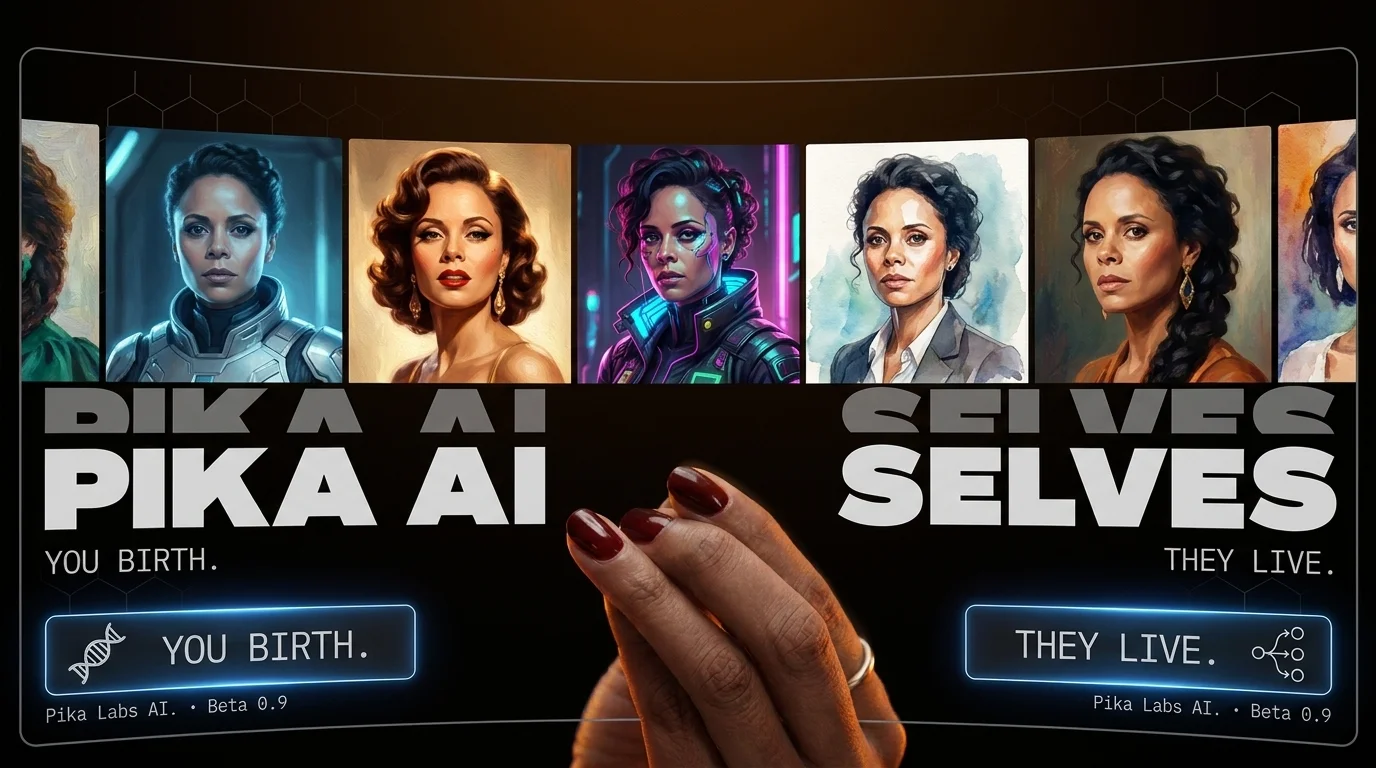
New - pika.mePika AI Selves β€” your living digital twin
Pika AI Selves - pika.me

A living extension of you.

Persistent. Portable. Multi-modal.

Build a personal AI Self trained on your personality, voice, memories, and appearance. Multi-modal across text, voice, image, and video β€” your Self can chat, create content, scale your presence, draft work, and travel with you across the internet.

  • Personal companion and brand extension
  • 24/7 reply across DMs and messages
  • Content creation in your voice and likeness
  • Free during early beta
SlackTelegramWhatsAppDiscordSignaliMessageGoogle Chat
ToolkitPika AI Powers β€” creative video toolkit
Pika AI Powers

Smarter editing, styling and effects.

The creative toolkit on top of every Pika model.

Pika Powers is the layer that turns generated clips into polished, expressive, on-brand video. Edit individual scenes, apply unique style presets, and stack eye-catching effects β€” turning quick AI drafts into dynamic, finished short-form content.

  • Scene-level edit controls
  • Curated style presets
  • Stackable visual effects
  • Works with every Pika model
AudioPikaformance β€” audio-driven talking video
Pikaformance

Hyper-real performances from a still image.

Audio in, expressive video out.

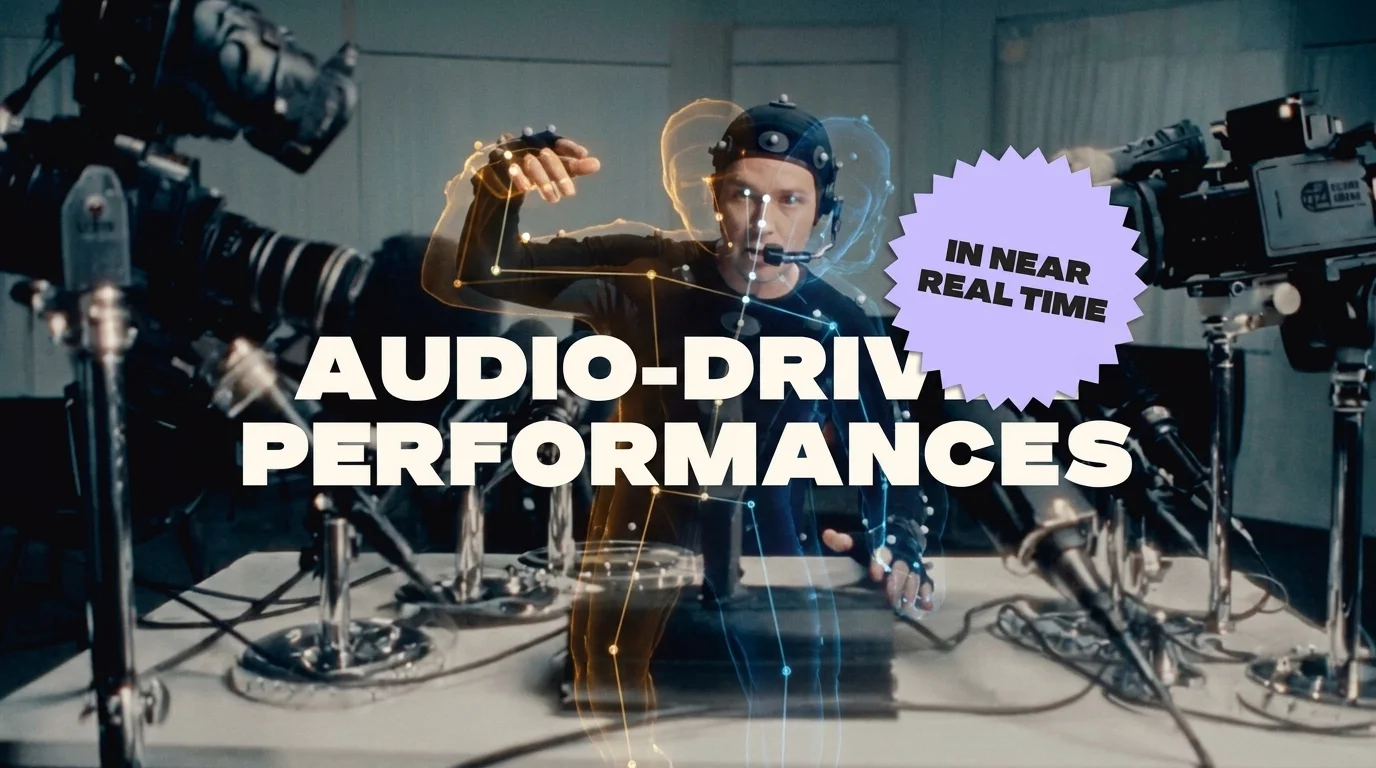
Drop in an image and an audio file and Pikaformance generates a lifelike, lip-synced performance with natural eye and head motion. Perfect for VTubers, brand mascots, AI presenters, meme reactions, and any project where a still needs to talk.

  • Audio-driven lip sync
  • Natural eye and head motion
  • 720p output up to long form
  • Works with any clear portrait
Versions

Every version, every era of Pika.

Seven generations of the Pika video model, each adding new motion, length, fidelity, and creative range.

Pika 2.5

Sharper visuals. Smoother motion. Faster turnarounds.

The current flagship. Pika 2.5 lifts motion quality, prompt adherence, and detail across every use case while staying snappy on the free tier.

Pika 2.2

Pikaframes and 1080p HD.

Introduced 1080p HD output and Pikaframes β€” long-form transitions from frame A to frame B for up to 25 seconds.

Pika Turbo

Speed first.

Pika Turbo cuts generation time by up to 3x for fast iteration, perfect for drafting scenes before committing to a final.

Pika Pro

Cinematic polish.

Pika Pro pushes detail, color, and motion fidelity for final exports that hold up next to footage from a real camera.

Pikascenes

Scene Ingredients.

Pikascenes blends multiple inputs β€” characters, objects, settings β€” into a single coherent shot you direct frame by frame.

Pikaffects

The Pikaffects era.

Pikaffects turned a single image into surreal, viral transformations β€” squish, crush, explode, melt β€” that broke out across social.

Pika 1.0

Where it began.

The original Pika model and the foundation of every release since. Five-second clips that proved generative video was real.

Tools

Tools that change how video gets made.

Pika ships a creative toolkit on top of every model β€” purpose-built features that handle specific moves so you stay focused on the story.

Pikaframes

Generate long-form motion from frame A to frame B β€” perfect for transitions and 25-second story beats.

Pikaformance

Talking-face lip-sync from an image plus audio. Built for VTubers, mascots, and AI presenters.

Pikaswaps

Replace any object in a generated or uploaded clip with a single text instruction.

Pikadditions

Insert new characters, props, or effects into existing footage without re-shooting.

Pikascenes

Compose a shot from multiple inputs β€” character, background, prop β€” and direct it frame by frame.

Pikaffects

Surreal one-click transformations β€” squish, melt, explode β€” built for viral short-form content.

Pikatwists

Reinterpret a clip in a new style or mood while preserving the original motion.

Pika Selfies

Turn a single selfie into shareable, personalized video moments in seconds.

Who Pika is for

For anyone who needs video, fast.

From solo creators to enterprise studios, Pika fits whoever needs to ship video on a deadline β€” without a crew or a render farm.

Creators and influencers

Spin up daily short-form video for TikTok, Reels, Shorts, and YouTube without touching a camera.

Marketers and brand teams

Concept, draft, and launch ad creative the same week β€” at a fraction of typical production cost.

Designers and motion artists

Use Pika as a starting layer for mood boards, motion studies, and stylized animation drafts.

Filmmakers and pre-vis teams

Block scenes, test pacing, and pitch concepts with cinematic motion before a single live shoot.

Founders and product teams

Generate launch videos, demo clips, and onboarding scenes without a media agency.

Educators and storytellers

Bring lessons, history, and abstract concepts to life with quick, evocative video.

Input methods

Start from anything.

Pika accepts every common creative input and turns it into motion β€” pick whichever you already have.

Text - Video

Describe a scene in natural language. Pika handles subject, motion, lighting, and camera for you.

Image - Video

Animate a still photo, render, or illustration with consistent character and lighting.

Video - Video

Feed in existing footage and restyle, extend, swap, or add elements across the timeline.

Audio - Performance

Combine a portrait and an audio track to generate a lifelike, lip-synced talking video.

Workflow

From idea to share, in four steps.

A simple loop that keeps your credits efficient and your final clips on-brand.

01

Start with a clear goal

Decide the platform, aspect ratio, and emotion of the final clip before you open the prompt editor.

02

Generate short drafts first

Render 5-second drafts on Turbo to lock in the look. Save credits for the final high-resolution pass.

03

Change one thing at a time

Iterate by swapping one variable per generation β€” prompt, image, or style β€” to learn what actually drives motion.

04

Save your prompt template

Once a prompt works, save it. Reusable templates are the fastest way to scale on-brand output.

Templates

Templates that just work.

Drop these into the prompt editor and replace the bracketed parts with your subject.

Cinematic Realism

Lifelike footage that holds up on big screens. Best for trailers, ads, and narrative scenes.

{subject} doing {action} in {setting}, cinematic lighting, shallow depth of field, slow camera push-in, 35mm film grain, 4K

Stylized / Anime

Hand-drawn, anime-leaning motion for music videos, episodic content, and storytelling reels.

{subject} doing {action}, anime style, hand-drawn lines, vibrant colors, smooth animation, dynamic camera tilt, Studio Ghibli inspired

Product Ad Shot

Glossy, on-brand product video for D2C ads, landing pages, and social.

{product} rotating slowly on a {surface}, studio lighting, soft shadows, macro lens, cinematic depth of field, hyper-real, 1080p commercial style

Travel Reel Scene

Sweeping, location-driven shots that scroll-stop on TikTok and Reels.

Aerial drone shot over {location}, golden hour light, slow forward motion, atmospheric haze, cinematic color grade, vertical 9:16
Common mistakes

Common mistakes, simple fixes.

Most weak Pika clips come from a handful of fixable prompt habits.

Overstuffed prompts

One subject, one action

Avoid stacking three subjects and five actions in one prompt. Pick one subject and let it carry the clip.

Vague language

Name the camera move

Skip 'cool camera angle'. Say 'slow dolly in', 'crane rise', or 'orbit reveal' so the model knows what you want.

Ignoring duration

Match length to motion

Big motion needs more time. If a 5-second clip looks rushed, jump to 10 seconds before rewriting the prompt.

Skipping negative prompts

Tell Pika what to avoid

List artifacts to exclude β€” 'no warped hands', 'no extra fingers', 'no text overlay' β€” to clean up your output.

Compare

How Pika stacks up against the field.

Different tools win different jobs. Here's an honest read on when to pick Pika.

You ship social-first short video

Pika wins on speed, effects, and short-form fluency. TikToks, Reels, Shorts, ads β€” Pika is built for this lane.

Pick Pika

You need cinematic polish

Runway and Sora often edge ahead on long-form realism. Use Pika for drafts, then finish with the right tool.

Mixed workflow wins

You need length or motion

Pikaframes pushes Pika up to 25 seconds with controlled motion β€” strong for transitions and story beats.

Pikaframes for long clips
Pricing

Plans for every kind of creator.

Pika runs on a credit system β€” every plan refreshes monthly. Annual billing brings the per-month cost down. Extra credits never expire on paid tiers.

Basic
$0
Free forever
  • 150 credits / month
  • Core AI models
  • Watermark-free downloads
  • Web and mobile access
Start Free
Most Popular
Standard
$8
per month, billed yearly
  • 700 credits / month
  • All models incl. Turbo and Pro
  • Faster generation
  • Commercial use rights
Choose Standard
Pro
$28
per month, billed yearly
  • 2,300 credits / month
  • Priority new features
  • Accelerated speed
  • 1080p Pro Mode
Choose Pro
Fancy
$76
per month, billed yearly
  • 6,000 credits / month
  • Maximum generation speed
  • All platform features
  • Best for studios
Choose Fancy

Credit costs at a glance

Cost varies by tool, resolution, and duration. Draft short clips first to save credits β€” then commit to longer or higher-resolution finals.

ToolQuality and DurationNotesCredits
Text-to-Video / Image-to-Video480p, 5sFast iteration12 (Free)
Text-to-Video / Image-to-Video1080p, 10sFinal exports80 (Paid)
Pikaframes480p, 5sFrame-to-frame12 (Free)
Pikaframes1080p, 25sLong premium clips200 (Paid)
Pikascenes1080p, 10sMulti-input scenes100 (Paid)
Pikadditions / PikaswapsTurbo 720p, 5sObject editing10 (Free)
PikaffectsImage-to-Video, 5sSurreal transforms15 (Free)
Pikaformance720p, per second of audioLip-sync / talking face3 / sec (Free)
FAQ

Questions, answered.

Quick answers to the questions creators ask before they sign up.

Pika is a video generation platform built on a proprietary AI video model developed in-house. Feed it a prompt, image, audio, or video, and it produces a new clip β€” animating, modifying, lip-syncing, or transforming based on your direction.

Yes β€” there's a free tier with limited monthly credits so you can try the core models. For consistent daily generation, higher resolutions, and commercial use, most creators move to a paid plan.

Pikaformance is Pika's talking-face model. Upload an image, drop in audio, and Pika animates lips, eyes, and expressions in sync with your sound. Built for VTubers, brand mascots, meme reactions, and AI presenters.

Standard, Pro, and Fancy subscriptions include commercial-use rights. Basic (free) tier is limited to non-commercial work. Always check the current Terms of Service inside your account for the latest details.

Pika 2.2 and 2.5 generate clips up to 10 seconds for text-to-video, image-to-video, and Pikascenes. Pikaframes extends up to 25 seconds at 720p or 1080p. Earlier models are fixed at 5 seconds per generation.

Pika supports seven ratios β€” 16:9, 9:16, 1:1, 4:5, 5:4, 3:2, and 2:3 β€” so you can target YouTube, TikTok, Instagram, and other platforms without cropping.

Use the structure: subject + action + setting + style + camera move. Be specific. Add cinematic keywords like slow camera push-in or shallow depth of field. Use negative prompts for elements to exclude. Keep one subject per clip.

Image-to-video meaningfully improves consistency, but a perfect identity lock is not guaranteed. Reuse the same base image and similar prompt structures across clips for the strongest match.

Pro and Fancy users download videos without watermarks. Anything shared directly from Pika still includes a watermark for consistency on public surfaces. Always pick Final Export rather than preview for clean downloads.

A public API is in active development. Pika is partnering selectively with developers and teams. Third-party platforms like fal.ai already expose Pika models for production use, with text-to-video, image-to-video, Pikaframes, and Pikascenes endpoints.

Pika is typically preferred for fast, effects-driven short-form work β€” TikToks, Reels, Shorts, ads. Runway leans toward a broader creative-suite workflow. Sora produces longer, ultra-realistic cinematic clips. Choice depends on use case and budget.

Both. Pika is available on the web, on iOS through the App Store, and on Android via Google Play. Account, generations, and credits sync across every device.

Get Started

Make your first Pika video.

Free to try, no credit card required. Generate, remix, and ship video that feels nothing like the last AI clip you saw.

Try Pika Free